Claude Skills Suite
A custom library of Claude skills built to make AI work like a genuine thought partner — not a clever autocomplete.
// the problem
Most AI prompting is ad hoc. Good outputs sometimes, inconsistent ones the rest of the time. Generic frameworks that don't know your context, your users, or how you think. I wanted Claude to behave like a genuine PM and SMM thought partner — one that had read the same books I had, understood the frameworks I use, and could push back when my thinking was weak.
// why this matters
A PM's leverage is only as good as the thinking they can do quickly. Ad hoc prompting doesn't compound — every conversation starts from scratch, with no context and no standards. A curated skills architecture does compound: it encodes frameworks, loads reference material, and applies consistent judgment every time. The difference between good AI output and mediocre AI output isn't the model. It's the prompting architecture.
// how it works
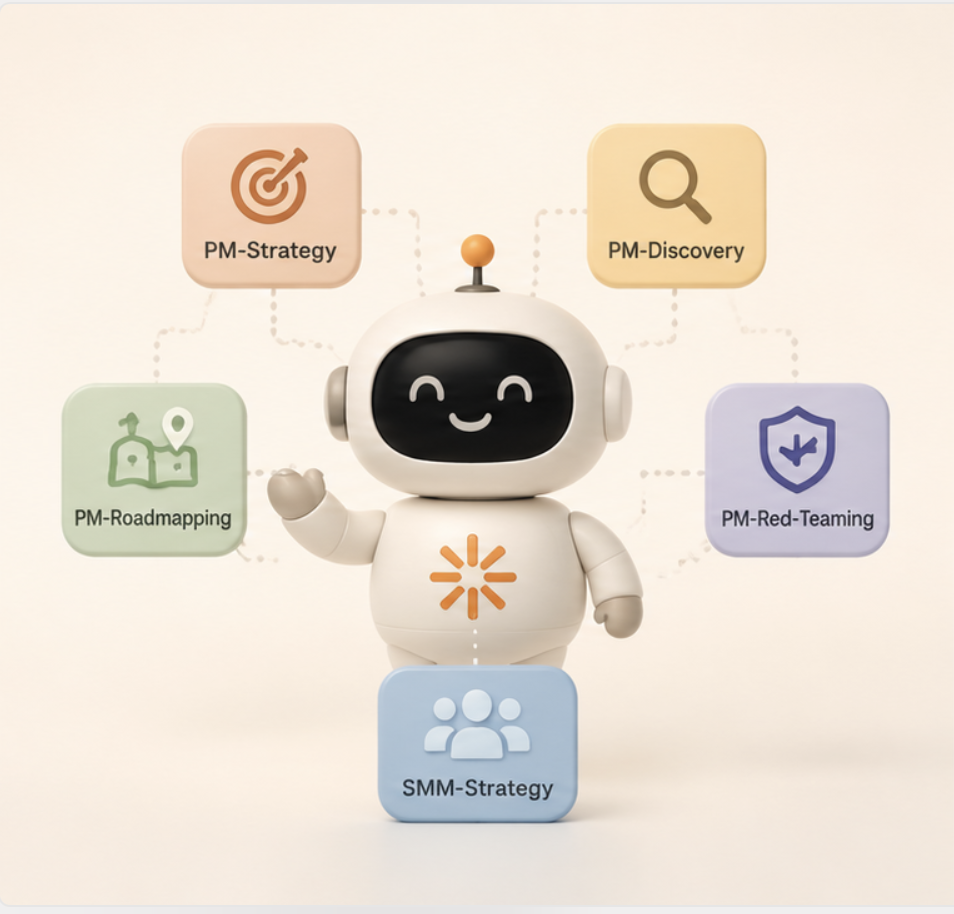
16 skills across two domains: 10 for product management, 6 for social media marketing. Each is triggered via slash command and loads a curated reference library from practitioners I rate — Koch, the Heath brothers, Kane, Segall.
Two skills worth calling out: pm-red-teaming challenges PM work — discovery research, strategy, roadmaps, PRDs — with the scepticism of a smart critic who's read the same frameworks. It doesn't just poke holes; it names the specific assumption traps PMs fall into and flags when OKR thinking is missing from decisions where it should have been present. And pm-ai-products treats the AI layer itself as the product surface: evals, prompt versioning as a product discipline, AI failure mode design, and how to make model selection decisions without being seduced by benchmarks.
Claude is the product. Every skill is a precisely scoped prompt architecture that shapes how Claude reasons, not just what it outputs. I also used Claude to stress-test each skill against its own design — does it actually do what it claims under real conditions?
// trade-offs i made
Building a routing table was the first instinct — and the wrong one. It looked architectural: a lookup chart that mapped topics to specific reference files. It was solving the wrong problem. Claude would see a label like 'Insanely Simple — 11 Think Principles', recognise the book title from training, and answer from memory. The routing table was never consulted in any meaningful way.
The fix was simpler: remove the table entirely and tell the skill to load all reference files before responding to anything. A 113-line skill became 72 lines. Fewer moving parts, more reliable output, and Claude uses judgment about which frameworks to apply — which is what you'd actually want from a thought partner anyway. The lesson: the most architectural-looking solution is often the wrong one.
// what i learned
Skills can fail silently. For weeks, the pm-strategy skill was answering questions about the reference books by drawing on Claude's general training knowledge — never opening the actual curated notes. The output sounded right. There was no error. You'd only notice if you already knew the material well enough to spot what was missing.
The most counterintuitive lesson from building this: skills can fail silently. The most expensive failure mode isn't an error — it's an output that sounds right but is wrong. Building in ways to verify that a skill actually used the reference material it was supposed to use turned out to be as important as building the skill itself.
// what's next
A lightweight eval system that tests each skill against representative inputs and scores the outputs, so I can iterate on skill design with data rather than intuition.